
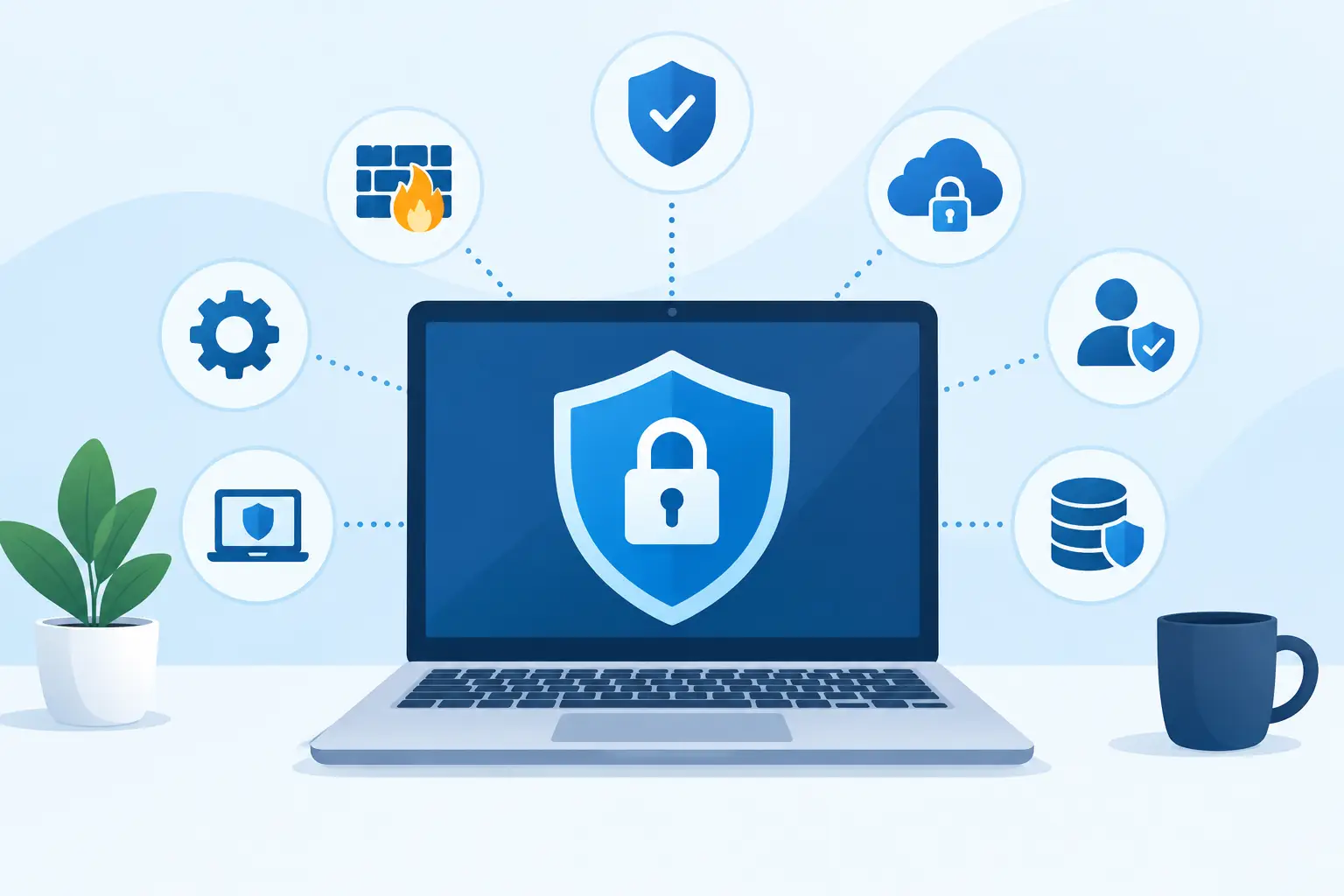
A customer lands on your website, fills out a form, places an order, or requests a quote. In that moment, they are trusting your business with their data and their confidence. The best website security practices protect that trust while reducing the risk of downtime, lost revenue, reputational damage, and expensive emergency fixes.
Website security is not a one-time technical task completed at launch. It is an operating discipline that connects your website, hosting environment, internal team, third-party tools, and business processes. For organizations that depend on their digital presence to generate inquiries, serve customers, or process transactions, that discipline deserves leadership attention.
Best Website Security Practices Start With Clear Ownership
Many security gaps begin with uncertainty. No one knows who owns the domain account, who can access the hosting panel, whether backups are working, or which employee receives critical alerts. A website may look professional on the front end while its behind-the-scenes responsibilities are scattered across former staff members, outside vendors, and old email accounts.
Assign a specific person or team to oversee website security, even if development and hosting are managed by an agency. That owner should maintain an up-to-date record of domain registration details, hosting access, website administrator accounts, plugins or extensions, SSL certificates, payment providers, and marketing integrations. This record should be stored securely and reviewed whenever staff, suppliers, or systems change.
Clear ownership also speeds up decision-making during an incident. If suspicious activity appears, your team should know who can temporarily take the site offline, restore a clean backup, contact the hosting provider, notify customers if necessary, and approve public communication. Delays often cause more damage than the original vulnerability.
Keep the Website and Its Components Updated
Outdated software is one of the most common paths into a website. Content management systems, themes, plugins, eCommerce extensions, server software, and mobile integrations can all contain weaknesses that attackers actively scan for. A site does not need to be famous to become a target. Automated attacks look for known gaps across thousands of websites at once.
Set a defined update schedule rather than waiting until something breaks. Critical security patches should be assessed and applied quickly. Regular updates can be tested in a staging environment first, especially for complex websites, online stores, and platforms connected to inventory, bookings, or customer databases.
The trade-off is real: an update can occasionally conflict with custom functionality or an older extension. That is why delaying every update is not a solution. A proper process combines testing, compatibility checks, and dependable backups so the business can move forward without exposing the live website unnecessarily.
Remove anything your website no longer uses. Unused plugins, inactive themes, old development files, and dormant user accounts expand the attack surface without adding value. Every installed component should have a purpose, a trusted provider, and a maintenance plan.
Control Access Before It Becomes a Liability
A shared administrator password may feel convenient, but it makes accountability impossible. It also means a single compromised device or departed employee can expose the entire website. Access should match each person’s actual responsibility.
Use unique accounts for every administrator, developer, editor, and support partner. Apply the least-privilege principle: a content editor should not automatically have the same access as a developer, and a marketing consultant should not need hosting or database credentials. Review access at regular intervals and immediately remove it when a role, supplier relationship, or employee status changes.
Strong, unique passwords are essential, but they are only one layer. Require multi-factor authentication for the website administration area, hosting account, domain registrar, email platform, and payment systems wherever it is available. A password manager helps teams generate and store credentials without relying on spreadsheets, browsers, or memory.
For higher-risk accounts, restrict login access by approved location or network when practical. This may not suit every distributed team, but it can be valuable for hosting panels, financial systems, and sensitive administrative tools.
Protect Customer Data at Every Step
Security is closely tied to the information your website collects. Ask a practical question: what data do we truly need to deliver this service? The less unnecessary personal data a website stores, the less there is to expose if an incident occurs.
Use HTTPS across the entire website, not only on checkout or contact pages. An active SSL certificate encrypts information traveling between a visitor’s browser and your website. It also supports customer confidence and prevents browsers from presenting security warnings that can harm conversions.
For forms, collect only the details required to respond, qualify a lead, fulfill an order, or meet a legitimate operational need. Protect submitted data with secure transmission and appropriate storage controls. If customers pay online, use established payment processors and avoid storing card details directly unless your business has the specialized controls and compliance capability to do so.
Privacy notices, consent options, and retention rules should reflect how your organization actually handles customer information. Security cannot be separated from honest data practices. A form that quietly sends personal details to multiple platforms is both a trust issue and a governance issue.
Harden Hosting, Backups, and Recovery
A well-designed website still depends on the environment where it runs. Quality hosting should include server monitoring, malware protection, firewall controls, reliable uptime management, and support from people who understand the underlying infrastructure. Low-cost hosting may be suitable for a simple brochure site, but it can be a poor fit for a business-critical platform, high-traffic campaign, or eCommerce operation.
Backups deserve the same level of attention. Schedule automatic backups for files, databases, and essential configurations. Keep backup copies separate from the main hosting environment, and retain enough versions to recover from an issue that may not be discovered immediately.
Most importantly, test the restoration process. A backup that cannot be restored quickly is not a meaningful recovery plan. Your team should know how long recovery is likely to take, what information may be lost between backups, and who is authorized to begin the process. For a store processing daily orders, a 24-hour recovery point may be unacceptable. For a small informational site, it may be reasonable. The right standard depends on business impact.
Monitor for Trouble and Prepare a Response
Security monitoring turns warning signs into action. Review website logs, failed login attempts, malware alerts, unusual traffic spikes, and unexpected changes to core files. Automated monitoring can identify many issues early, but it still needs an accountable person to review alerts and distinguish a real risk from routine noise.
A concise incident response plan should answer four questions: How will the issue be identified? Who will be contacted? How will the website be contained and restored? How will customers, partners, or internal stakeholders be informed if their data or service is affected?
Keep the plan practical. Include current contact details for the hosting provider, website development partner, domain registrar, payment processor, legal or compliance contact, and business decision-maker. Run through the plan periodically. A simulated outage or compromised account is far less stressful than learning the process during a live emergency.
Treat People and Vendors as Part of the Security Plan
Technology alone cannot prevent every breach. A convincing phishing email can capture credentials, while an unreviewed marketing tool can introduce third-party scripts that slow the site, track visitors unexpectedly, or create new exposure. Staff who manage content, customer inquiries, advertising, or web administration should understand how to spot suspicious login requests, attachments, and password reset messages.
Vendors require the same discipline. Before granting access to an agency, freelancer, or software platform, confirm what access they need, how long they need it, and how it will be removed. Review third-party plugins and integrations for reputation, update history, privacy practices, and ongoing support. If a provider can no longer maintain a key tool, replacing it is generally safer than hoping it remains secure.
For organizations with a growing digital footprint, a professional security review can identify gaps that are easy to overlook internally. InteracOman helps businesses bring website development, dependable hosting, and ongoing digital maintenance into a more accountable structure, so technical decisions support commercial performance as well as protection.
Security should make your business more dependable, not more difficult to operate. Start with one clear action: document who controls your website, domain, hosting, and backups. That simple exercise often reveals the next priority and gives your organization a stronger foundation for every digital investment that follows.


0 Comments