
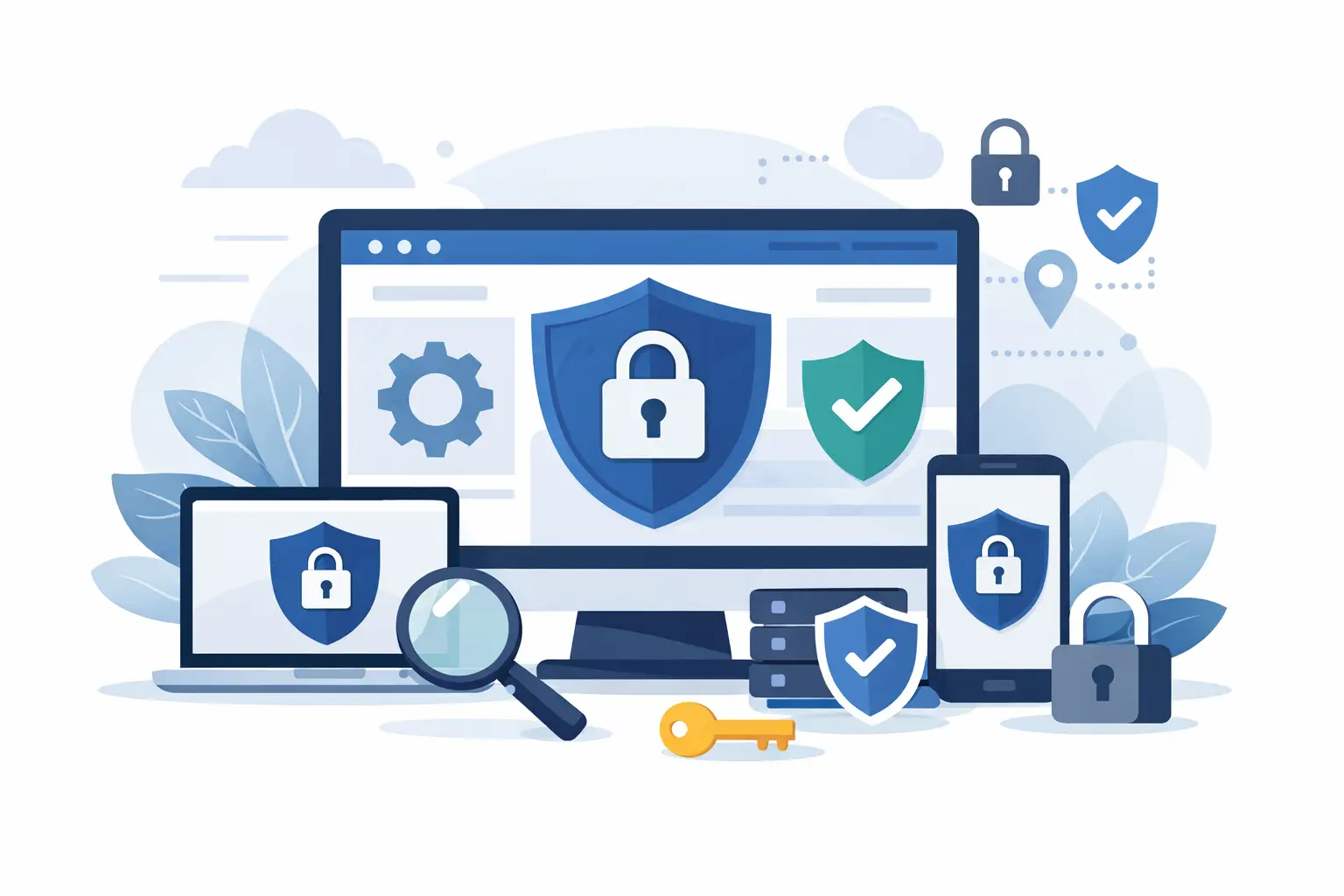
A business website can be compromised long before anyone notices. A weak administrator password, an outdated plugin, or a missed hosting alert can give attackers access to customer details, website files, email accounts, or even payment activity. Learning how to secure a business website is not simply an IT task. It protects revenue, brand credibility, and the confidence people place in your organization.
For businesses that depend on online inquiries, eCommerce orders, bookings, or customer portals, security must be managed as an ongoing business function. The goal is not to make a site impossible to attack. No organization can promise that. The goal is to reduce exposure, detect issues quickly, and recover without unnecessary disruption.
How to Secure a Business Website From the Ground Up
1. Start with secure, managed hosting
Your hosting environment is the foundation of website security. Low-cost shared hosting may be suitable for a simple, low-traffic site, but it can introduce limitations around performance, monitoring, backups, and server-level controls. A business handling customer information, online payments, or high volumes of traffic should treat hosting as a strategic decision rather than a commodity purchase.
Look for a provider that maintains the server operating system, applies security patches, monitors suspicious activity, and offers reliable backup options. Your site should run on HTTPS with a valid SSL certificate so data transmitted between visitors and the website is encrypted. Modern browsers warn users when a site is not secure, which can quickly damage trust before a visitor has read a single page.
Hosting alone does not secure an application. However, poor hosting can make every other protection harder to manage. Clarify who is responsible for server updates, backups, malware response, and restoring the site after an incident.
2. Protect every account with strong access controls
Many website breaches begin with stolen or guessed login credentials, not sophisticated code attacks. Administrator accounts, hosting dashboards, domain registrars, email platforms, analytics tools, and payment gateways all require protection. One weak account can become a route into several connected systems.
Use unique, long passwords stored in an approved password manager. More importantly, require multi-factor authentication for all privileged accounts. A password alone is no longer enough when phishing and credential leaks are common.
Access should also match responsibility. A content editor does not need full hosting access. A marketing agency may need analytics or campaign access but not database credentials. Give each person the minimum permission needed to complete their work, and remove access immediately when an employee, contractor, or supplier leaves.
Keep an inventory of who can access what. This small administrative discipline is especially valuable for organizations that have changed agencies, staff members, or hosting providers over time.
3. Keep the website platform, themes, and plugins updated
Content management systems and eCommerce platforms provide speed and flexibility, but their extensions can create risk. Developers release updates to fix known vulnerabilities, improve compatibility, and close security gaps. Delaying updates for months gives attackers time to exploit publicly documented flaws.
Create a maintenance schedule that covers the website core, themes, plugins, integrations, and server-side software. Before applying major updates, test them on a staging copy when possible. This is the practical balance: updating immediately without testing can break a customized site, while never updating leaves it exposed.
Remove inactive themes, unused plugins, old scripts, and abandoned extensions. Software that is not actively used still needs to be maintained. If it is no longer essential, deleting it reduces the number of potential entry points.
For custom-developed websites, security reviews should be part of planned maintenance. Code, frameworks, APIs, and third-party services change over time. A website that was secure at launch still needs attention years later.
4. Build backups that can actually restore the business
A backup is only useful if it is recent, complete, stored safely, and tested. Businesses sometimes discover too late that they backed up website files but not the database, or that the backup was stored on the same server affected by the incident.
Maintain automatic backups of both files and databases, with copies stored separately from the production hosting environment. The frequency depends on how often your website changes. An eCommerce store processing daily orders may need daily or more frequent backups. A brochure website updated monthly may require a different schedule.
Test restoration periodically. A restore test confirms that the files, database, configuration, and media assets work together. It also tells your team how long recovery is likely to take. That knowledge matters when a website is a primary source of leads or sales.
5. Secure forms, payments, and customer data
Every form asks visitors to trust your organization. Whether it collects a name and phone number, a job application, a medical inquiry, or payment details, the information should be handled with care.
Collect only the data you genuinely need. Fewer stored details mean less exposure if an account or system is compromised. Limit access to form submissions, protect them in transit with HTTPS, and define how long customer data should be retained.
For online payments, use trusted payment processors and avoid storing card details directly on your website unless your business has the expertise and compliance structure to do so. Payment security is not just a technical consideration. It affects customer confidence, dispute risk, and the reputation of the brand.
Check integrations closely. A CRM connection, marketing automation tool, booking engine, or chat widget may receive customer data from the website. Each connection should be reviewed for permissions, privacy settings, and continued necessity.
6. Add a web application firewall and malware monitoring
A web application firewall, often called a WAF, filters suspicious traffic before it reaches your website. It can help block common attacks such as malicious login attempts, automated bots, and requests designed to exploit known vulnerabilities.
A WAF is most valuable when paired with monitoring. You need visibility into failed login spikes, unexpected file changes, unusual traffic sources, new administrator accounts, and malware alerts. Without monitoring, a problem may remain hidden until customers report redirects, warning messages, or fraudulent activity.
Automated tools are useful, but they do not replace accountable oversight. Someone on your team or a managed digital partner should receive alerts, assess what they mean, and act within a defined timeframe.
7. Separate development from the live website
Changing a live site directly can introduce errors and security gaps. A safer process uses separate environments for development, testing, and production. New features, software updates, and design changes are reviewed before they reach the public website.
This approach is particularly valuable for eCommerce, membership platforms, and websites with custom integrations. It gives your team a chance to check functionality, user permissions, checkout flows, and performance without placing customer activity at risk.
Developers should also protect configuration files and secret keys. Database passwords, API keys, and service credentials must never be exposed in public code repositories or browser-visible files. When a key is accidentally exposed, rotate it immediately rather than assuming no one has found it.
8. Train staff to recognize the human risks
Technology cannot prevent an employee from approving a fake password reset, sharing a verification code, or clicking a convincing phishing email. Staff awareness is one of the most cost-effective security controls a business can build.
Give employees clear guidance on suspicious email requests, login alerts, invoice changes, and urgent messages that ask for credentials or money transfers. Make it easy for them to report concerns without fear of blame. A fast report can prevent a minor mistake from becoming a serious breach.
Security training should include the people who manage website content and social channels. These accounts are visible, valuable, and often targeted for impersonation or takeover.
9. Create an incident response plan before you need it
When a website is hacked, teams lose time if they must first decide who has authority to act. A short incident response plan creates order during a stressful situation. It should identify key contacts, hosting and domain access details, backup locations, escalation steps, and customer communication responsibilities.
The first actions usually involve isolating the issue, preserving evidence, changing compromised credentials, restoring from a verified backup, and investigating the cause. Do not simply remove visible malware and assume the problem is solved. Attackers may leave hidden accounts, altered files, or stolen credentials behind.
The communication response depends on the nature of the incident. A brief outage and a customer-data exposure require very different actions. Legal, contractual, and regulatory obligations may apply, so organizations should know in advance who will assess and approve external communications.
10. Make security part of ongoing website maintenance
The strongest security programs are routine. They do not depend on one annual audit or a panic-driven response after a breach. Schedule regular reviews of user accounts, software updates, backups, firewall logs, forms, and third-party integrations.
For a smaller business, a monthly maintenance checklist may be appropriate. For a high-traffic eCommerce or institutional website, continuous monitoring and a formal maintenance agreement may be the better fit. The right level depends on the sensitivity of the data, the complexity of the platform, and the commercial cost of downtime.
A high-impact website should support growth without creating unnecessary risk. InteracOman helps businesses bring hosting, development, maintenance, and digital performance into one accountable strategy, so security remains aligned with the way the website serves customers and the organization.

0 Comments